Devices & setup
Works on the devices you already have
Pick your device to see the setup steps. Most people are watching in under 10 minutes.
Setup on Smart TV
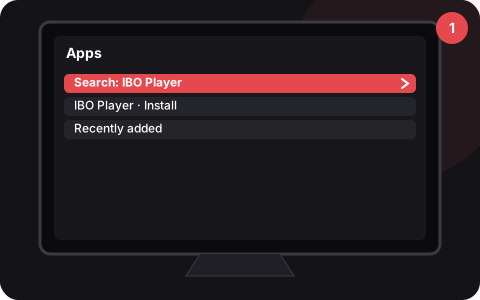
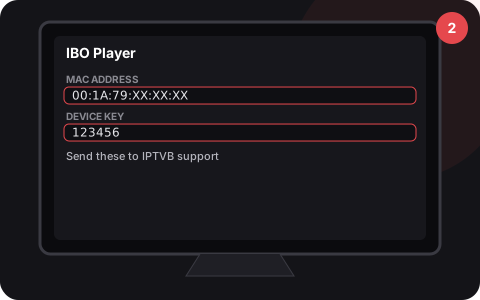
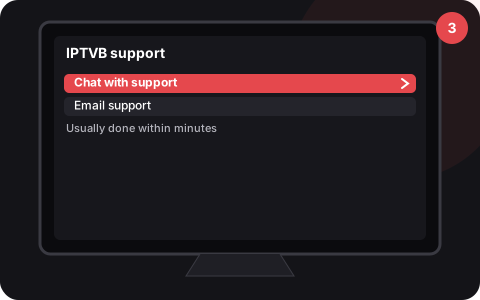
Setup on Fire TV Stick
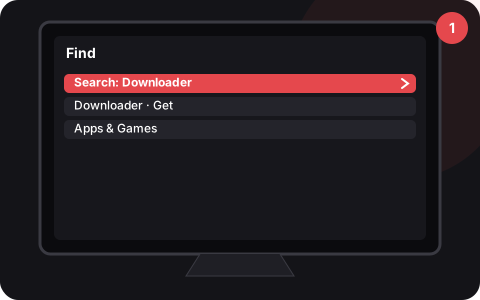
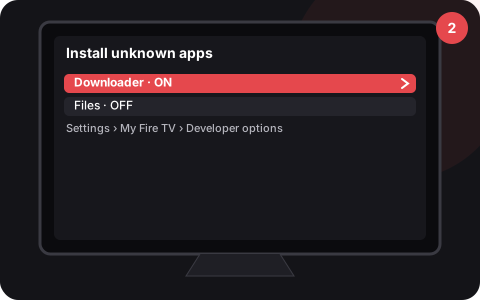
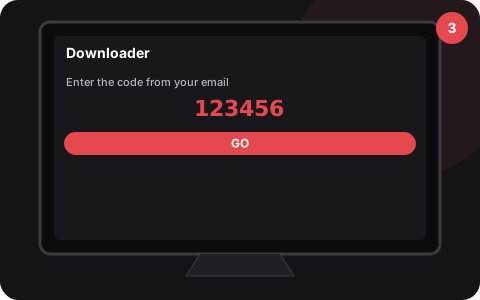
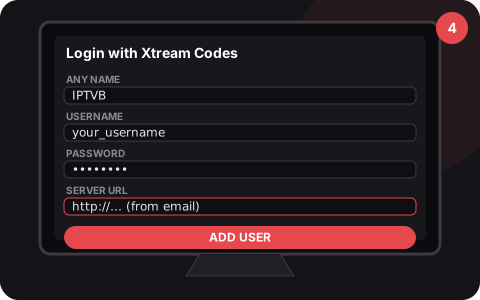
Setup on Android TV
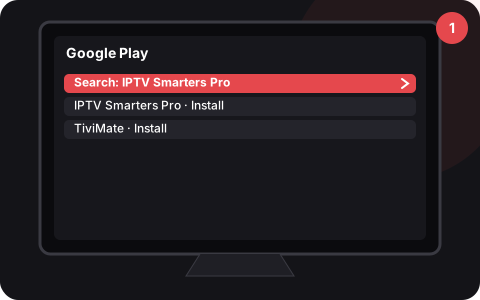
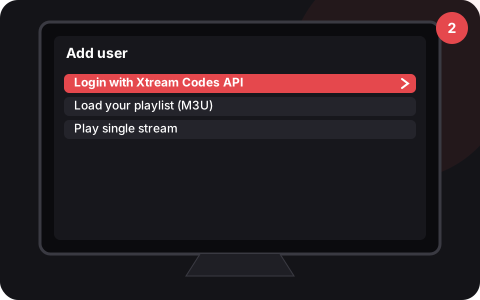
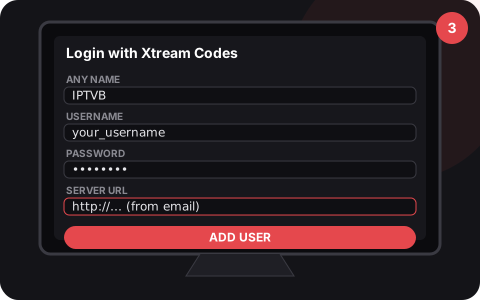
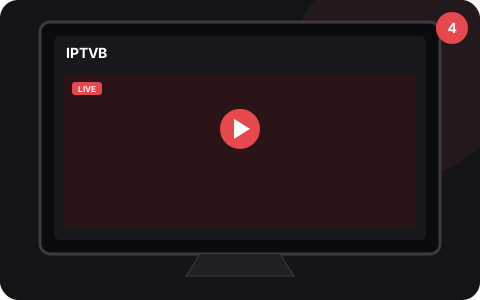
Setup on Apple
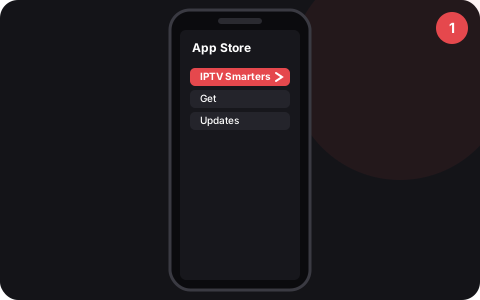
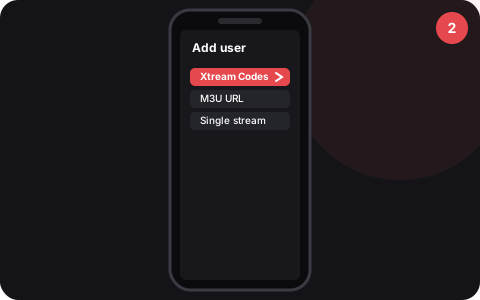
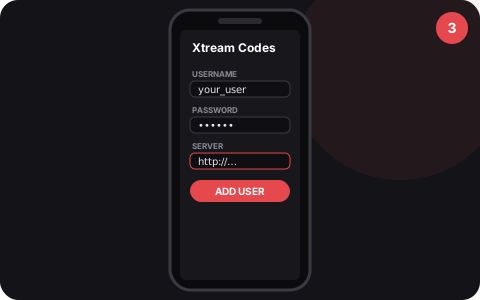
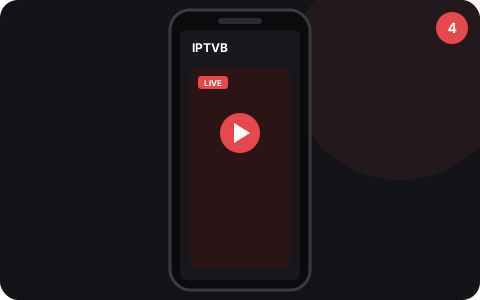
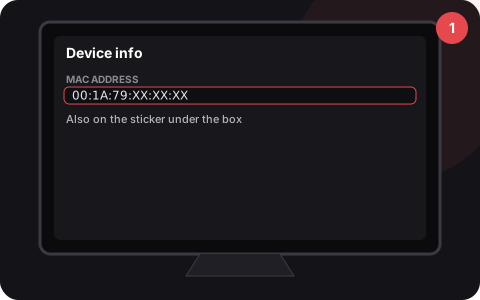
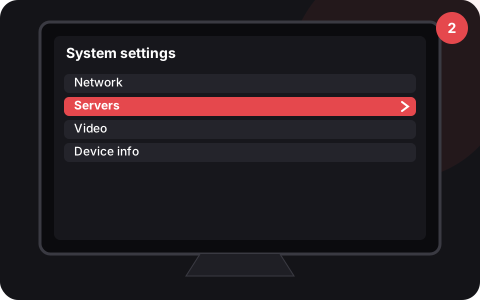
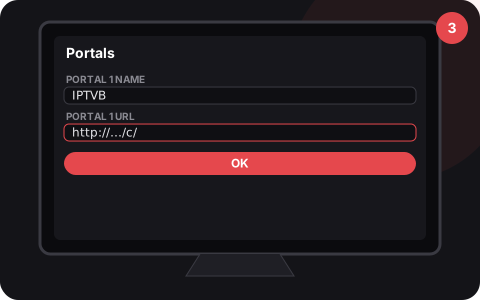
Setup on MAG box
Setup on Computer
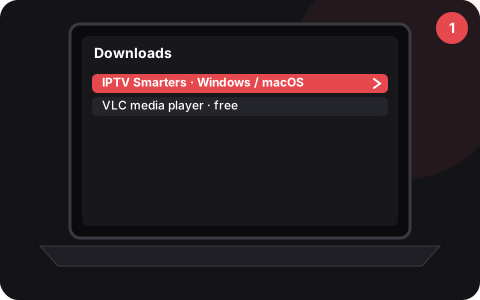
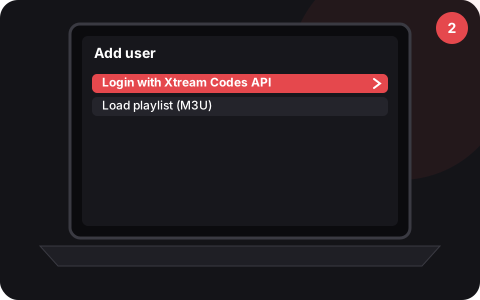
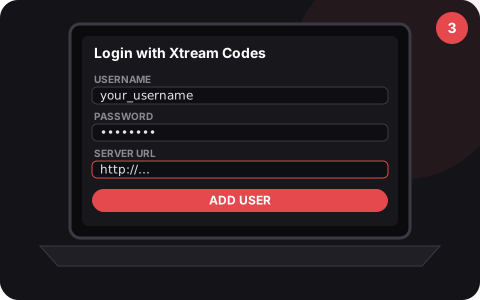
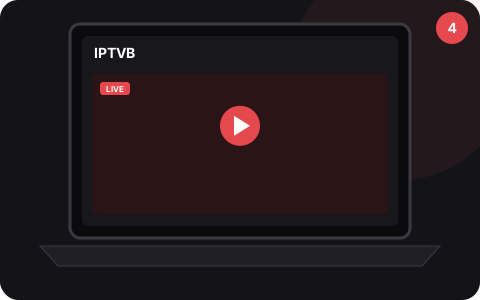
Before you start
- Your welcome email with login details
- Internet of 15 Mbps or more
- About 10 minutes
Need a hand?
Our team can walk you through setup by WhatsApp or email, in English or French.
Contact supportReady to start watching?
Choose a plan, or try it free for a month first. Your access arrives by email or WhatsApp.